-
Regular Expression RegEx RegExp Resources

Regular Expression RegEx RegExp Resources Quantifiers Special Symbols Braces Look Ahead Look Behind DotNet RegEx Class Related Links Quantifiers *Zero of more of the character that immediately precedes it +One or more of the character that immediately precedes it ?Zero or One of the character that immediately precedes it Special Symbols ^Start of line $End…
-
How To Setup D-Link DAP-1360 As WiFi to Ethernet Bridge
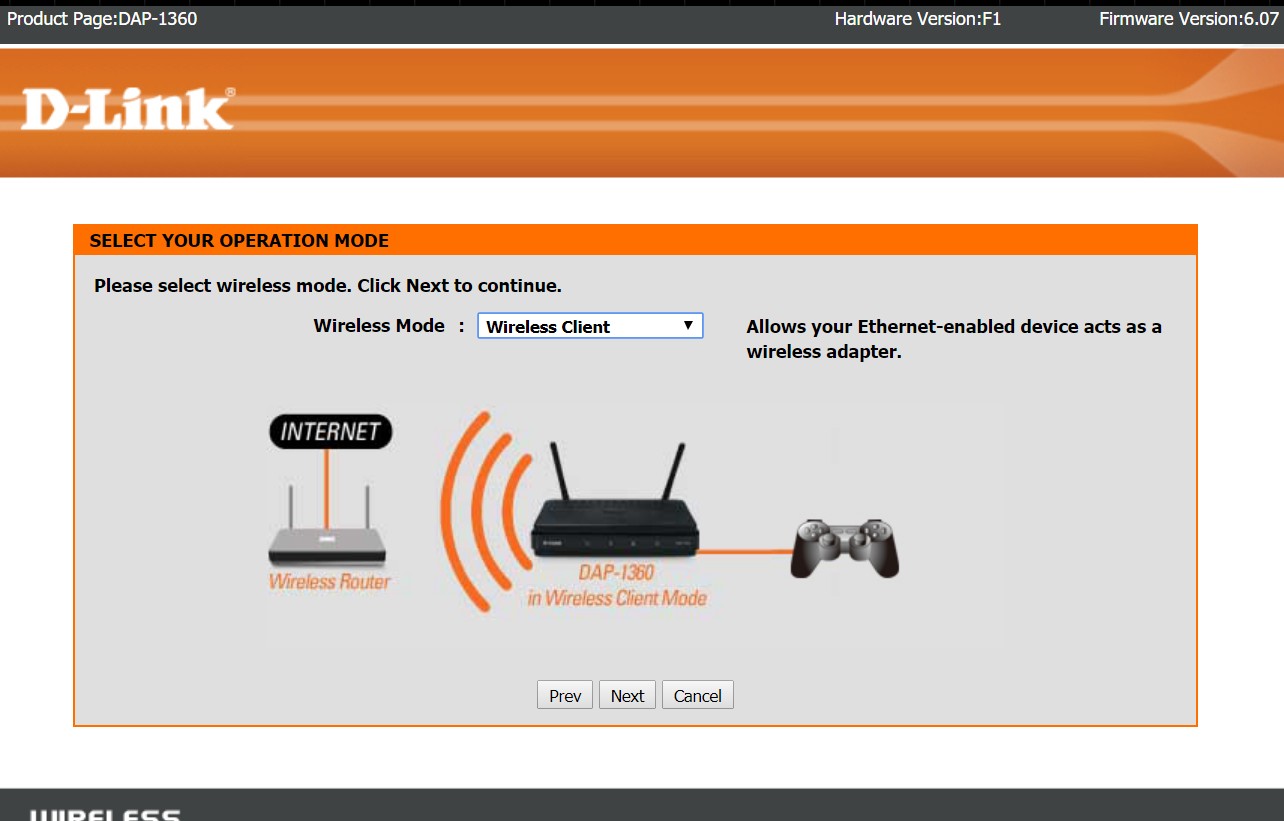
How To Setup D-Link DAP-1360 As WiFi to Ethernet Bridge By default this device is set to have the IP Address of 192.168.0.50 Get a laptop and set the Ethernet adapter to 192.168.0.X (Anything except for .50) Subnet Mask of 255.255.255.0 will do just fine. Also a gateway is not needed. Step 0 Navigate to…
-
How To Install Google Chrome on Ubuntu Linux

How To Install Google Chrome on Ubuntu Linux Related Links How To Install Google Chrome on Ubuntu Linux sudo wget -q -O – https://dl-ssl.google.com/linux/linux_signing_key.pub | sudo apt-key add – sudo sh -c ‘echo “deb http://dl-ssl.google.com/linux/chrome/deb stable main” >> /etc/apt/sources.list.d/google.list’sudo apt-get updatesudo apt-get install -y google-chrome-stable Tested with Ubuntu 1710 Related Move Files If They Exist…
-
How to check for Suspicious root CA certificates in Windows
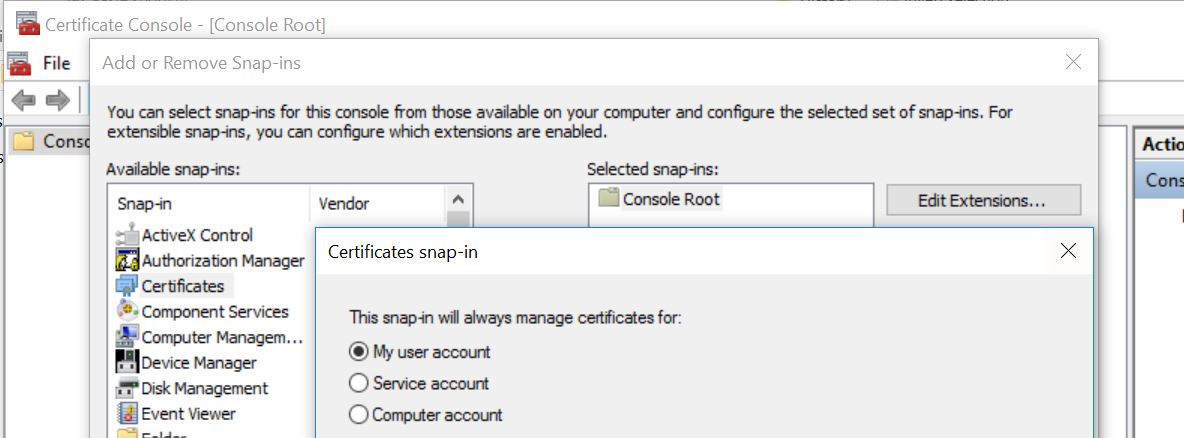
How to check for Suspicious root CA certificates in Windows. From time to time you may want to audit your system for Suspiscious root CA certificates. Download Sigcheck from Microsoft Sysinternals, at time of writing this it was at version v2.55 https://technet.microsoft.com/en-us/sysinternals/bb897441.aspx Extract and from the command line sigcheck -tv It will compare your certificate…
-
How to Convert a VHDX to VDI using VBoxManage.exe
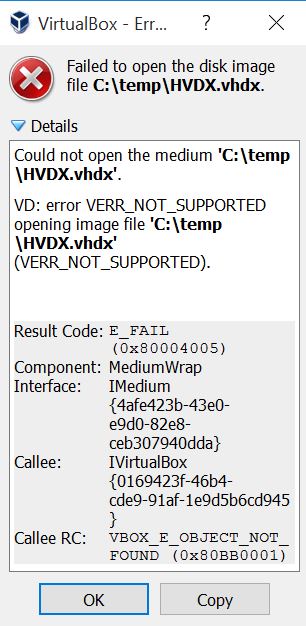
How to Convert a VHDX to VDI using VBoxManage.exe Failed to open the disk image file C:\temp\HVDX.vhdx. Could not open the medium ‘C:\temp\HVDX.vhdx’. VD: error VERR_NOT_SUPPORTED opening image file ‘C:\temp\HVDX.vhdx’ (VERR_NOT_SUPPORTED). Result Code: E_FAIL (0x80004005) Component: MediumWrap Interface: IMedium {4afe423b-43e0-e9d0-82e8-ceb307940dda} Callee: IVirtualBox {0169423f-46b4-cde9-91af-1e9d5b6cd945} Callee RC: VBOX_E_OBJECT_NOT_FOUND (0x80BB0001) VBoxManage clonemedium [disk|dvd|floppy] <uuid|inputfile> <uuid|outputfile> [–format VDI|VMDK|VHD|RAW|<other>] [–variant…
-
How to setup WinRM in a WorkGroup Non Domain Environment
Disclaimer: This will create a very basic unsecured/not encrypted connection. This should only be done in a test lab environment. This is being setup in a Non Domain/Work group setting. There is no certificate or DNS infrastructure in place. The connections will be going over TCP 5985. This is the Default TCP Port for not…
-
How to Start an Application as Another User from the Command Line in WIndows
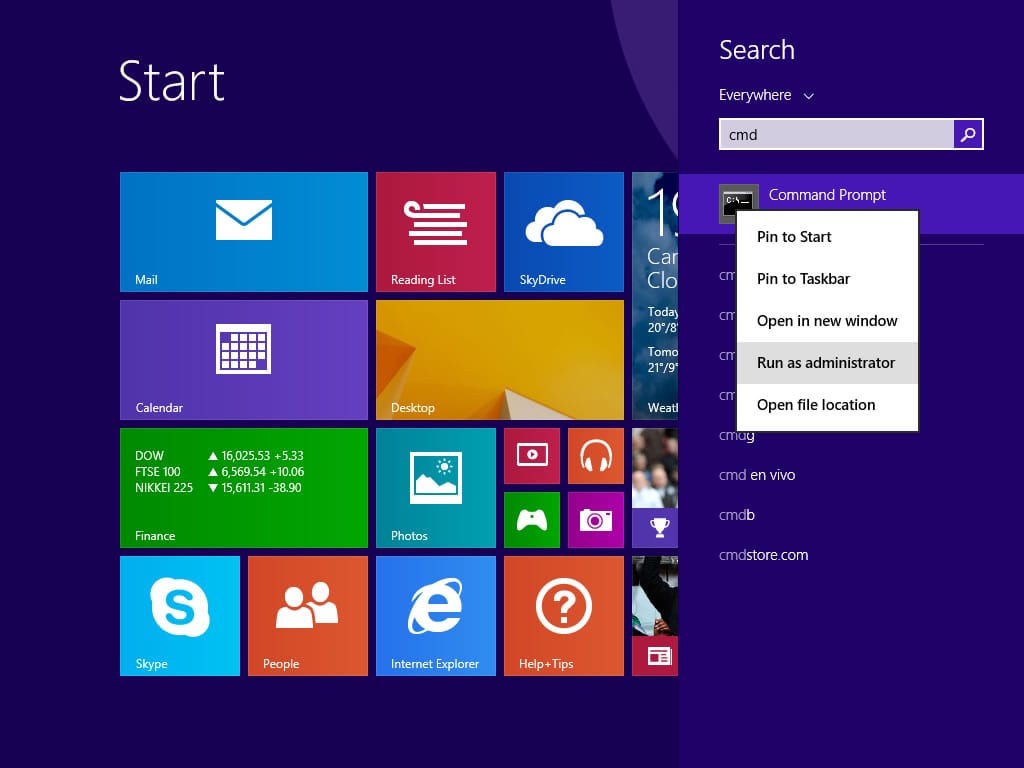
Via the GUI it is easy however… Recently I had the need to run an application from the command line under a different user context. My computer was not domain joined but I wanted to run the application as a domain user. I achieved it using the line below. runas /netonly /user:sub.domain.tld\username “C:\Windows\System32\mmc.exe C:\windows\System32\dsa.msc /domain=sub.domain.tld…